Features
A local music player for iOS and Mac, feature by feature
Trove plays your local files on Mac, iPhone and iPad, and connects those devices to SMB/WebDAV NAS sources with Pro. Apple Watch plays transferred songs offline, not from the NAS.
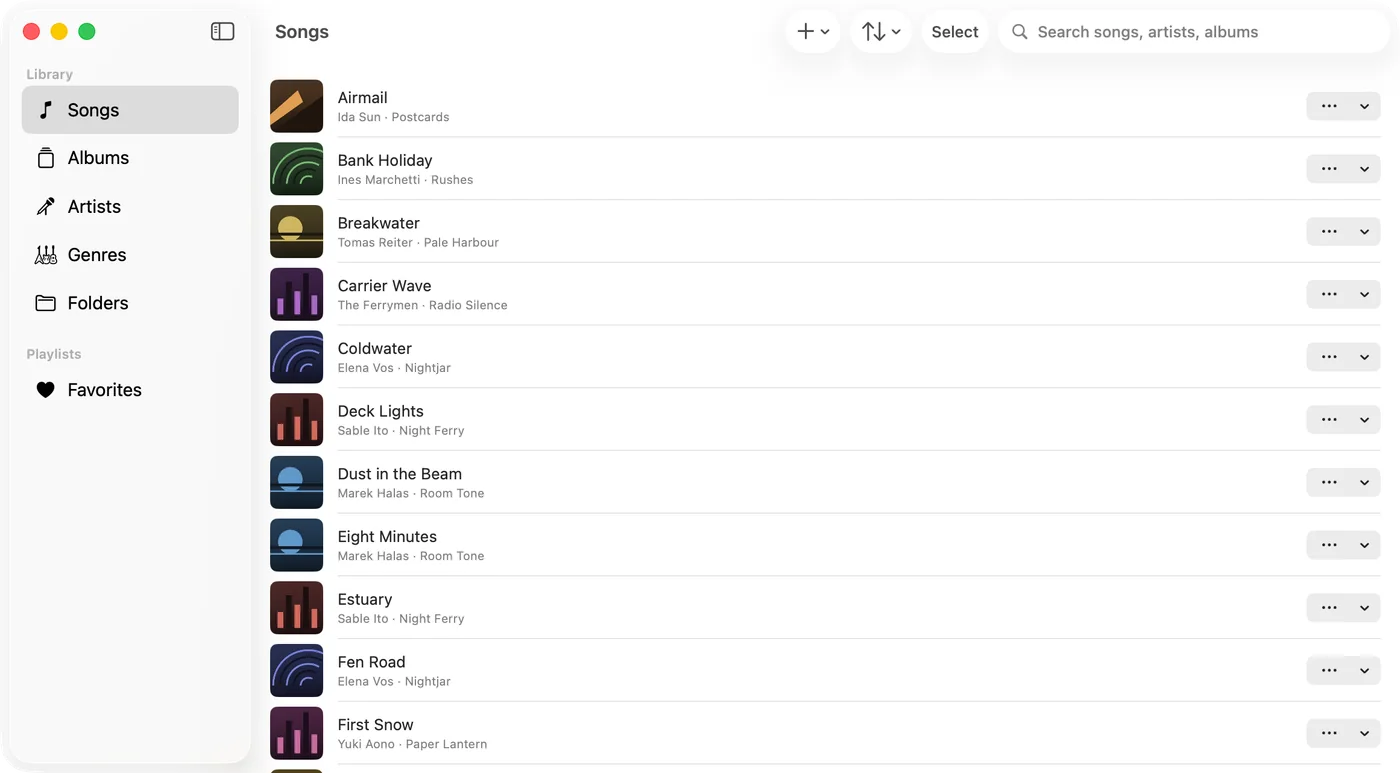
Plays everything you own
Trove plays your files as they are — no re-encoding, no uploading, no library lock-in. Lossless and exotic formats included.
- FLAC, ALAC, WAV, AIFF, MP3 and AAC natively
- APE, OGG, OPUS, WMA, DSD, WavPack and more via built-in decoding
- Gapless playback, adjustable speed and a 10-band equalizer
- ReplayGain volume leveling, per track or per album
FLAC vs ALAC: which should you use? →How to play FLAC on iPhone — four ways →
Your library, from anywhere
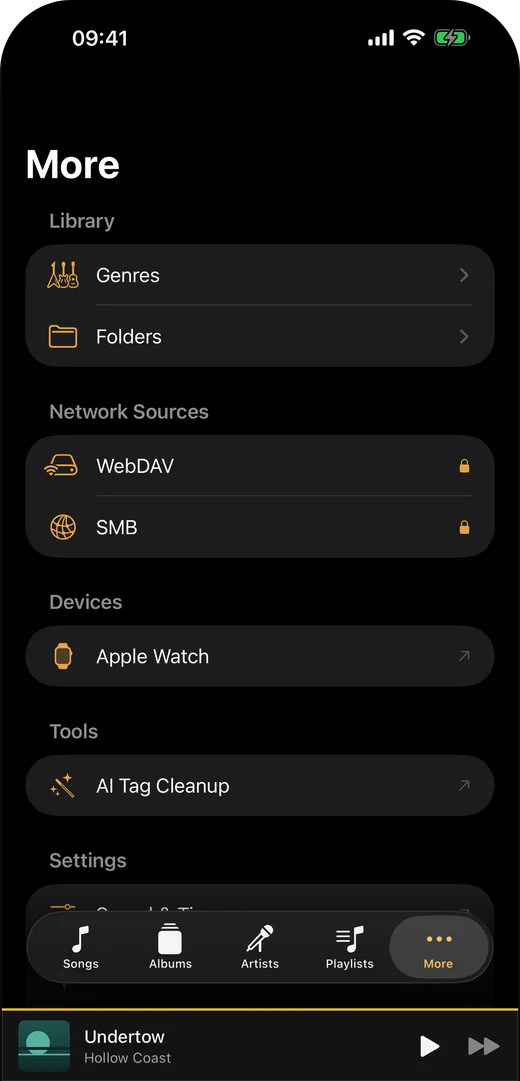
Keep music on your NAS, a server or your device — Trove connects to it directly. No cloud middleman, no account required.
- Play from WebDAV and SMB shares on your NAS, with downloads as neededPro
- Import over Wi-Fi, from a folder, or from the Files app
- Tags, artwork and lyrics are read straight from your files
- Missing lyrics or artwork? Search online and pick the match — nothing is looked up until you ask
WebDAV music player for iPhone and Mac →How to play music from a NAS on iPhone →
Truly native on Mac, iPhone, iPad and Apple Watch
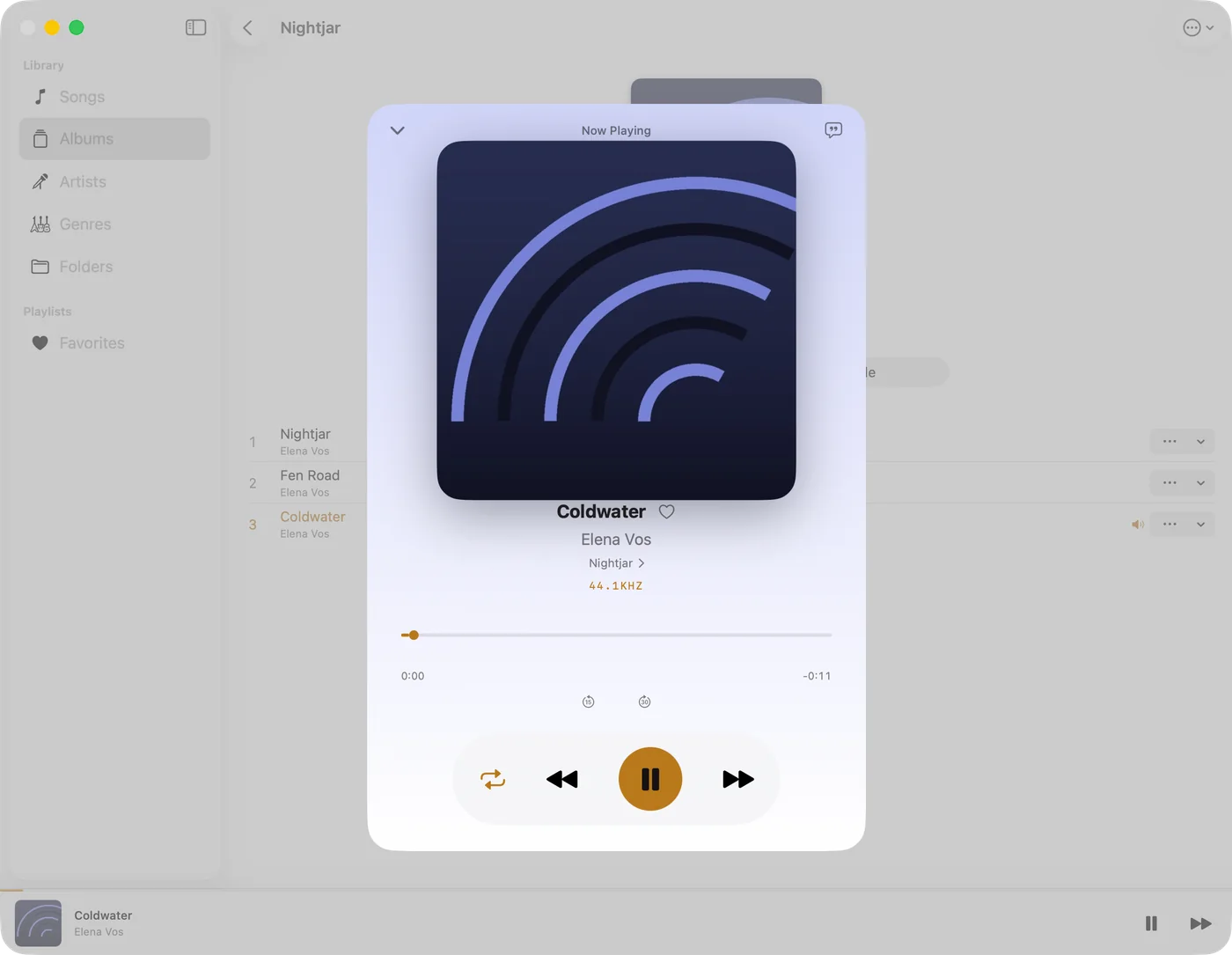
Built with SwiftUI, not an Electron shell or a stretched web view — one app across the Mac and the iOS family, and the Apple Watch plays offline without your phone.
- Siri shortcuts, background playback and AirPlay on iOS
- CarPlay on iPhone: playlists, albums, artists and songs on the car screen
- On Mac: a menu bar mini player and media key support
- Send songs to your Apple Watch and listen without your iPhonePro
- On Mac: a floating desktop lyrics windowPro
Swinsian alternatives for Mac →foobar2000 alternatives for Mac →
New in 1.6
Smoother playlists, playback and troubleshooting
Version 1.6 is available on iPhone, iPad and Mac from the same App Store listing.
- Import M3U playlists from the iOS file picker again, and remove individual rules from local or remote smart playlists. Smart playlists require Trove Pro.
- Large local hand-built playlists open more responsively by resolving their tracks once per list render instead of repeatedly rebuilding the lookup. This does not cover every playlist type.
- On iPhone and iPad, the bottom Now Playing bar has an AirPlay route shortcut. This new bottom-bar control is not a Mac or Watch feature.
- SMB indexing continues past a permission-denied file and offers retry. Playback-source preparation moves off the main interface; sharing prepares a file when needed. Network permissions and connections can still fail.
- Optional troubleshooting recording is off by default and stays local. You create a package and choose whether to save, share or attach it to feedback; nothing uploads automatically. The separate playback log has its own attachment switch.
These are targeted reliability improvements, not a promise that every NAS setup or large playlist is problem-free. See the app privacy policy and feedback instructions if you need to report a problem.
New in 1.5
Keep the music playing, and send feedback from the app
Version 1.5 introduced these changes on iPhone and iPad. Applicable improvements remain in the current 1.6 downloads, including on Mac.
- Shuffle starts a freshly shuffled round when the current round ends, so playback keeps going.
- Improved SMB browsing and indexing. For remote smart playlists, choose folders to index or use Index Entire Share; let indexing finish before expecting all matches.
- Clearer Wi-Fi transfer progress and import results.
- Send feedback directly over HTTPS, with optional diagnostics and no Mail account. You can also save a feedback package to send yourself.
The Mac-side work from that cycle improves playback recovery and folder access, addresses an audio initialization crash, reduces repeated artwork decoding, and makes the feedback window easier to read and close. It is included in the current 1.6 Mac download.
If a problem persists, use Feedback in Trove. In 1.6, the playback log and a user-created troubleshooting package are separate choices.
Also available on iPhone and iPad
More ways to organize a library on your phone
These library tools arrived in iOS 1.4 and are included in the current iOS 1.6 download.
- Make playlists from SMB folders or M3U files, including tracks across folders.
- Build smart playlists from the SMB folders you choose to index, or index the entire share in 1.5. SMB playback downloads each track as needed and keeps only a limited temporary prefetch.
- Read Grouping, Mood and file ratings from your music files. Edit Grouping and Mood, set a separate Trove star rating, and use these values in smart playlist rules. Pro can write supported Grouping and Mood changes back to MP3 and FLAC files.
- Browse and clear listening history by date; see how much space on-device music uses.
- Edit an existing SMB connection when its address or password changes.
Network sources and smart playlists require Trove Pro. This update does not add phone control of the Mac app or automatic sharing of a whole Mac library with iPhone and iPad.
Ready to play your own library?
Trove is free on the App Store for Mac, iPhone, iPad and Apple Watch.
Not sure yet? See how it works. Switching from something else? Read the honest comparisons for Swinsian and foobar2000, or the full FAQ.