FLAC vs ALAC: Which Should You Use? (2026)
FLAC and ALAC decode to bit-identical audio — neither sounds better, ever. Pick by ecosystem instead: ALAC if your listening runs through Apple's Music app and its sync pipeline; FLAC for everything else, because it's the open format the rest of the world standardized on. And if you're sitting on the wrong one: converting between them is lossless, so nothing is at stake but your time. The longer version, including where the practical differences actually hide:
What "lossless" means here
Both formats are zip-style compression for audio: they shrink the file and reconstruct the original PCM stream exactly on playback. Rip a CD to FLAC, convert that FLAC to ALAC, decode both — the audio data matches sample for sample. This is checkable (decode and hash the PCM), not marketing. Anyone hearing a difference between the two is hearing their playback chain, their files' different masterings — or their expectations.
FLAC vs ALAC: the actual differences
Origin and openness. FLAC comes from Xiph.Org, the people behind Ogg — open, patent-free, community-maintained since 2001. ALAC is Apple's, created in 2004 and open-sourced in 2011. Both are free to use; FLAC simply has two decades of universal adoption outside Cupertino.
Compression. FLAC files usually land a few percent smaller at comparable settings, and FLAC offers more encoder effort levels. On a 500-album library the difference is a few gigabytes — real, rarely decisive.
Compatibility — the one that matters.
- FLAC plays on effectively everything: every desktop player, Android, network streamers, DAPs, car head units — except Apple's own Music app, which still won't import it (the OS itself decodes FLAC fine; see how to play FLAC on iPhone).
- ALAC is native across Apple's ecosystem including the Music app and its sync — and merely supported-ish elsewhere: most good players and phones handle it, plenty of hardware (streamers, car systems, cheap DAPs) treats it as an afterthought or not at all.
Each format's blind spot is the mirror of the other's. That symmetry is the whole decision.
Metadata. FLAC uses Vorbis comments plus a clean embedded-picture spec; ALAC lives in an MP4 container with iTunes-style atoms. Both carry full tags, artwork and lyrics — but they store them differently, which is why sloppy converters sometimes drop lyrics or artwork in transit. Check a few albums after any bulk conversion. (Our free in-browser tools read both: Extract Album Art and the ID3 Tag Editor.)
Hi-Res headroom. Both comfortably exceed CD quality — 24-bit/192 kHz is routine in either. For ordinary listening this is a tie.
Where WAV, AIFF and MP3 fit into this
The FLAC vs ALAC question sits inside a bigger format map, so for completeness: WAV and AIFF are lossless too, but uncompressed — the same audio at roughly twice the size, with historically clumsier tagging (WAV especially). They make sense inside audio-production workflows, not as listening libraries. MP3 and AAC sit on the other side of the fence entirely: lossy formats that permanently discard data to hit small sizes. Good ones sound very close; none can be turned back into lossless, which is why converting an MP3 into FLAC or ALAC gains nothing but disk usage. The practical hierarchy for a collection you care about: rip or buy lossless (FLAC or ALAC), archive that, and generate lossy copies only when a device demands them.
So which should you use?
- Archive and rip in FLAC. It's the lingua franca: stores sell it, tools assume it, nothing else is as future-proof. A FLAC master library keeps every option open.
- Convert to ALAC only for a reason — in practice, the reason is "I sync through Apple's Music app." Keep the FLAC originals; treat ALAC as an export.
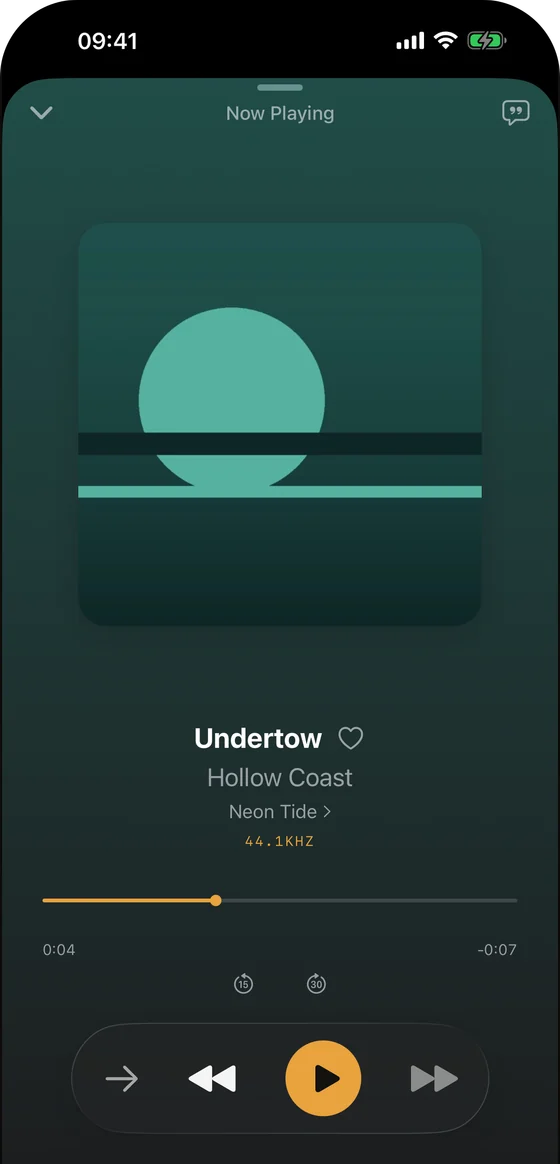
- Or make the conversion question disappear: use a player that reads FLAC natively on Apple hardware. That is what Trove does — a native Mac, iPhone, iPad and Apple Watch player that treats FLAC, ALAC and a dozen other formats identically, streams from a NAS, and costs a one-time purchase rather than a subscription. Free on the App Store, on macOS 14+ and iOS 17+ from one listing.
Converting safely
Use XLD or dBpoweramp (GUI), or ffmpeg -i in.flac -c:a alac -c:v copy out.m4a — the -c:v copy keeps embedded artwork. Convert from the lossless original, never from a lossy file (that launders an MP3 into a lossless-shaped container without restoring anything), and spot-check tags afterward. For the ecosystem side, see Apple's lossless audio documentation.
FLAC vs ALAC FAQ
Is ALAC as good as FLAC? Sonically, exactly as good — both reproduce the source bit-for-bit. The differences are support and tooling, not sound.
Does converting FLAC to ALAC (or back) lose quality? No. Lossless-to-lossless conversion is a repack, not a re-recording. Do it as many times as you like.
Which is better for iPhone? Whichever your player prefers: ALAC if you use Apple's Music app; either, equally, in a capable third-party player — full options in how to play FLAC on iPhone.
Should I re-rip my CDs because I chose "wrong" years ago? No — convert. Re-ripping buys you nothing the conversion doesn't, unless the original rip itself was lossy or damaged.
Do streaming services use FLAC or ALAC? Both, depending on the house: Apple Music's lossless tier is ALAC (naturally), while Qobuz, Tidal's hi-res tier and most other lossless services deliver FLAC. Which is a neat real-world summary of the whole FLAC vs ALAC divide — Apple uses Apple's format, everyone else uses the open one — and one more reason a player that reads both without conversion is the comfortable place to sit.
Can I tell FLAC and ALAC apart by the file extension? FLAC is easy: .flac is always FLAC. ALAC hides: it ships in .m4a, the same container AAC uses — so an .m4a file might be lossless ALAC or lossy AAC, and the extension won't tell you which. Check the codec, not the name: any decent player's file-info panel shows it, and our in-browser ID3 Tag Editor reads the audio properties of both formats without uploading anything.
Related guides & tools: Swinsian alternatives for Mac · foobar2000 alternatives for Mac · Free in your browser: Album Art Finder · LRC Maker
Try Trove on your own library
Trove plays FLAC, ALAC, APE and DSD on Mac, iPhone and iPad. With Pro, those devices can browse a NAS over WebDAV or SMB. Apple Watch plays transferred songs offline, not from the NAS. Free to download; Pro is one $9.99 purchase across your devices.